Student response systems · Classroom technology
Why Use a Student Response System? Benefits, Evidence and How to Start
What a student response system is, the research behind it, how cards compare with devices and hand-raising, and a 5-step plan for your first lesson.
By Ivailo Ivanov, Teacher
· 8 min read
Ask a question in most classrooms and the same few hands go up. You hear three answers, the lesson moves on, and you have no idea what the other twenty children were thinking. Some of them knew the answer but did not want to say it. Some had a misconception you will only discover in the next test.
A student response system changes that by letting every pupil answer every question at the same time. This article explains what these systems are, what the research says they do (and do not do), how the main options compare, and how to run your first lesson with one.
What is a student response system?
A student response system, also called a classroom response system or audience response system, is any tool that collects an answer from each pupil at once and shows the teacher the results immediately. There are four broad types:
- Low-tech tools: mini whiteboards, answer cards or fingers. Fast and free, but nothing is recorded.
- Handheld "clickers": small remote controls with buttons, the original classroom response systems and long common in university lecture halls.
- Apps on student devices: pupils answer on phones, tablets or laptops.
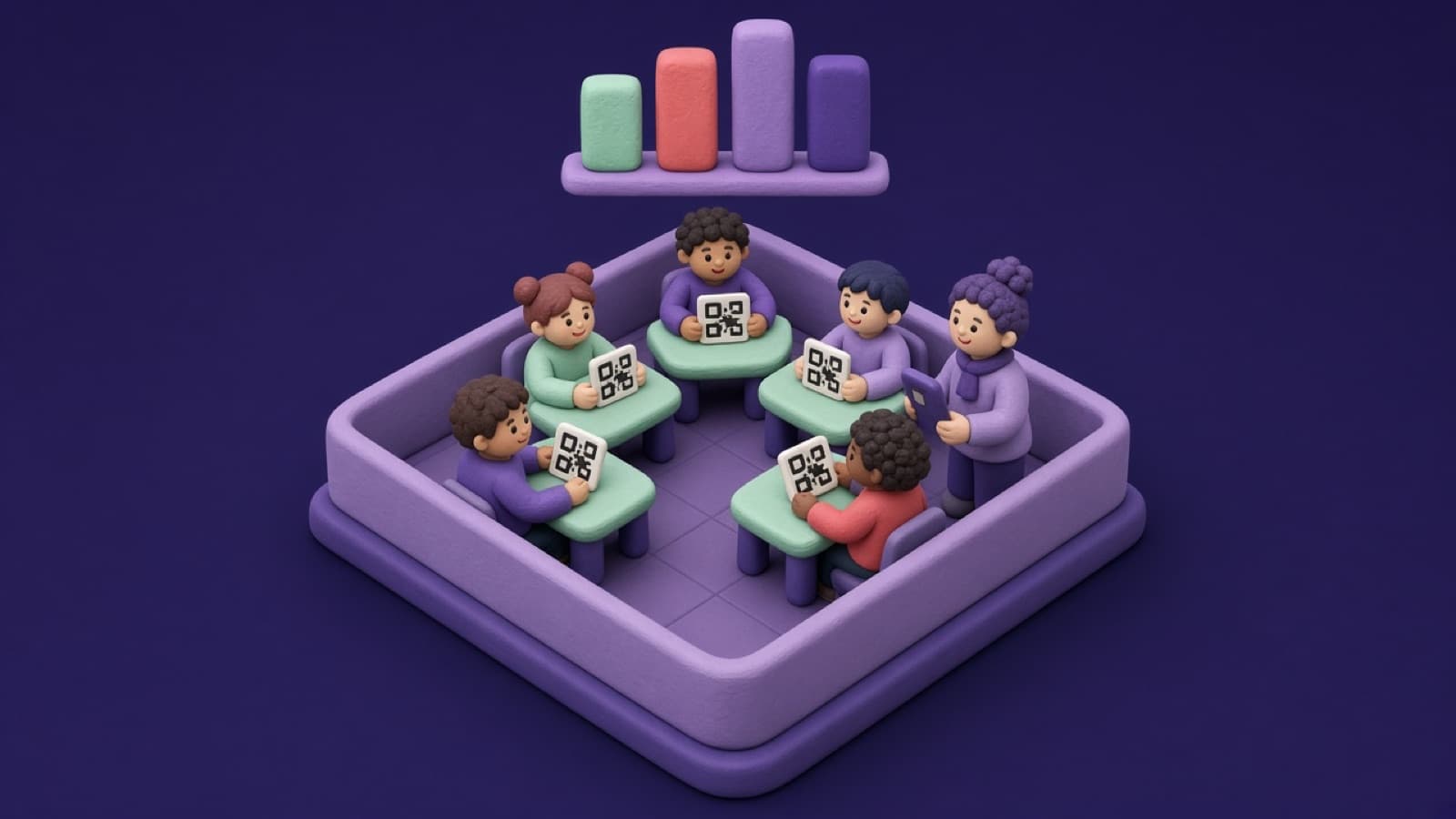
- Camera-scanned cards: every pupil holds up a printed card, the teacher scans the room with a phone or tablet, and the answers are recorded automatically. Pupils need no devices.
All four share the same core idea: everyone answers, the teacher sees the whole picture, and what happens next in the lesson depends on the answers.
What the research says
The best overview comes from a 2016 meta-analysis by Nathaniel Hunsu, Olusola Adesope and Dan Bayly, published in Computers & Education. It combined 53 experimental and quasi-experimental studies with more than 26,000 students that compared classes using response systems with classes that did not. They found:
- A small but significant positive effect on learning outcomes. The gains were clearest for higher-order outcomes such as applying knowledge and critical thinking, and smallest for simple recall of facts.
- A near-medium positive effect on non-cognitive outcomes: engagement, participation, self-efficacy, attendance and interest in the subject.
- How the questions are used matters. The effect depended on factors such as the subject, the class size and the way questions were used in teaching.
The honest conclusion is that a response system is not magic. On its own, the technology adds little. What improves learning is the teaching it makes possible: asking good questions often, letting pupils discuss them, and giving feedback straight away. A response system simply makes that practical with a whole class.
Two other strands of evidence support this kind of teaching:
- Retrieval practice. Recalling information strengthens memory more than reading it again, an effect known as the testing effect, shown in studies such as Roediger and Karpicke (2006). Frequent low-stakes questions are retrieval practice.
- Feedback. The Education Endowment Foundation rates feedback as one of the most cost-effective approaches available to schools, worth around six months of additional progress on average. You can only give useful feedback once you know what each pupil understood.
Five benefits for your classroom
Every pupil answers, not just volunteers
When everyone has to respond, nobody can switch off, and you hear from the quiet children as well as the confident ones. Participation is the effect the research is most consistent about.
You see misconceptions immediately
If eight pupils choose the same wrong answer, you know exactly what to address, and you know it now, not after marking a test next week. Writing wrong options that reflect common mistakes turns each question into a diagnostic tool.
Retrieval practice becomes routine
Three or four questions at the start of a lesson on last week's material take five minutes and build long-term memory. With a response system, you also see which topics have faded and need revisiting.
Less pressure on shy children
Answering with a card or a button is less exposing than calling out in front of the class. Children who would never raise a hand still show you what they think, and a wrong answer is a private signal to the teacher rather than a public moment.
Progress records build themselves
Systems that save answers against each pupil's name turn everyday questions into a progress record, without any extra marking. Over a term, you can see who is improving, who has stalled and which topics the class found hardest. Our guide to tracking children's learning progress and development explains how to use that kind of record.
Hand-raising, devices or cards: how the options compare
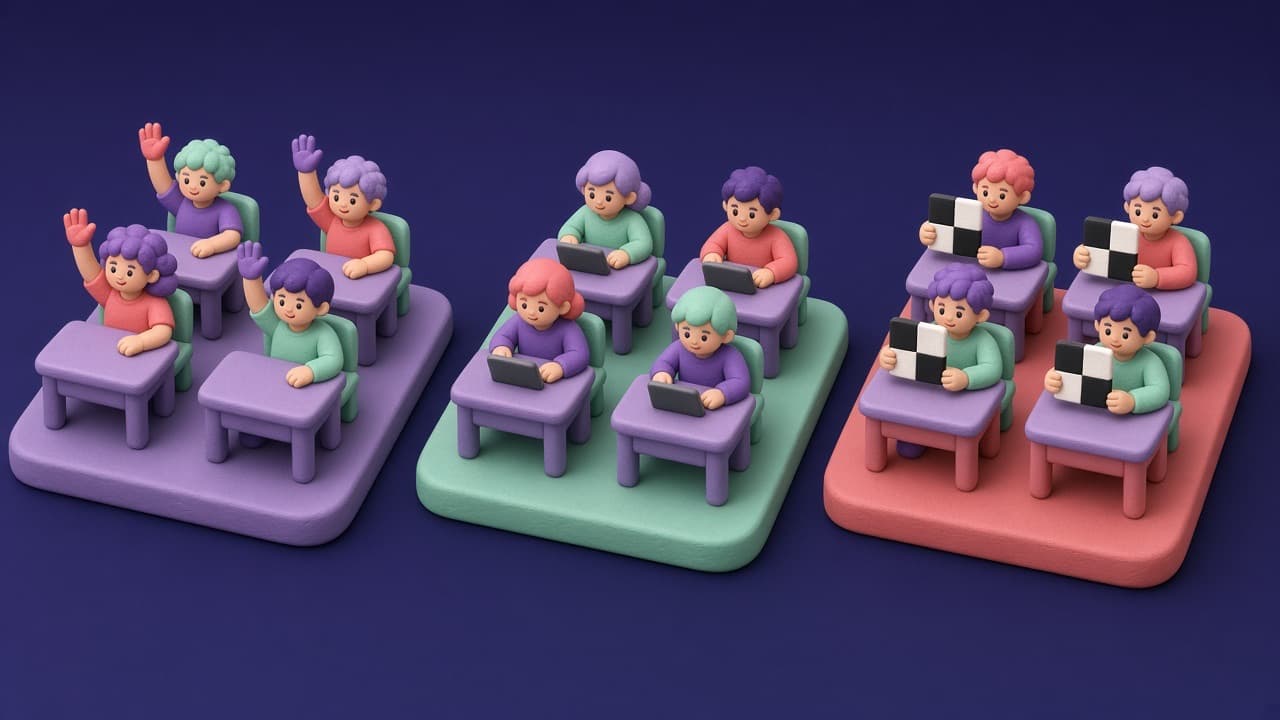
Each approach has its place. This comparison is meant to help you choose for your own class, not to rule any option out.
| Hands up | Apps on student devices | Camera-scanned cards | |
|---|---|---|---|
| Who answers | A few volunteers | Everyone | Everyone |
| Pupils need | Nothing | A phone, tablet or laptop each | A printed card |
| Pupil screen time | None | Yes | None |
| Setup in class | None | Devices charged, logged in, online | Hand out cards |
| Answers recorded | No | Yes | Yes |
| Open text answers | Spoken only | Yes | No (multiple choice) |
| Best suited to | Quick discussion | Older pupils with 1:1 devices | Kindergarten to secondary, shared or device-free classrooms |
| Main risk | Hearing only from the confident | Distraction, connection problems | Lost or damaged cards |
In short: device-based apps are a good choice where pupils already have their own devices and you want open answers or self-paced quizzes. Card-based systems suit younger children, schools without one device per pupil, and teachers who want to keep screens out of pupils' hands. Hand-raising still has a role in discussion, but not as your main way of checking understanding.
Young children, privacy and screen time
Two questions come up whenever technology is used with young children.
Screen time. The World Health Organization recommends that children aged 3 and 4 have no more than one hour of sedentary screen time a day, and less is better. Many families and schools also want to limit screens for older primary pupils. With card-based systems, the only screen is the teacher's phone and, if you choose, the classroom display. Pupils get the benefits of a response system without adding to their screen time.
Privacy. Children's data deserves extra care. Before you choose any tool, check that pupils do not need their own accounts or email addresses, that the data is stored securely and in line with data protection law such as the GDPR, that only the teacher and authorised colleagues can see individual results, and that data can be deleted on request. You can read how SmartEduTrack handles student data in our privacy policy.
How to run your first lesson in 5 steps
- Pick one lesson and three to five questions. Include at least one hinge question at the point where you would decide to move on, with wrong options based on real misconceptions.
- Set up your class and questions. In SmartEduTrack you create a class, add your pupils, and build a question set or copy one from the public Marketplace. Print an answer card for each pupil.
- Practise the routine first. Start with a fun warm-up question, such as "Which is your favourite season?", so pupils learn how to hold their cards before the answers matter.
- Ask, scan and discuss. Show the question on the classroom screen (SmartEduTrack's Now Playing mode lets you control it from your phone), scan the answers, and look at the results before revealing the correct one. If the class is split, ask pupils to convince a neighbour, then ask the same question again. The change in answers is often the most valuable moment of the lesson.
- Act on it, then review. Decide on the spot whether to move on, re-explain or reteach. After the lesson, open the reports to see which pupils need a follow-up.
Writing questions that work
The research is clear that question quality makes the difference. A few rules of thumb:
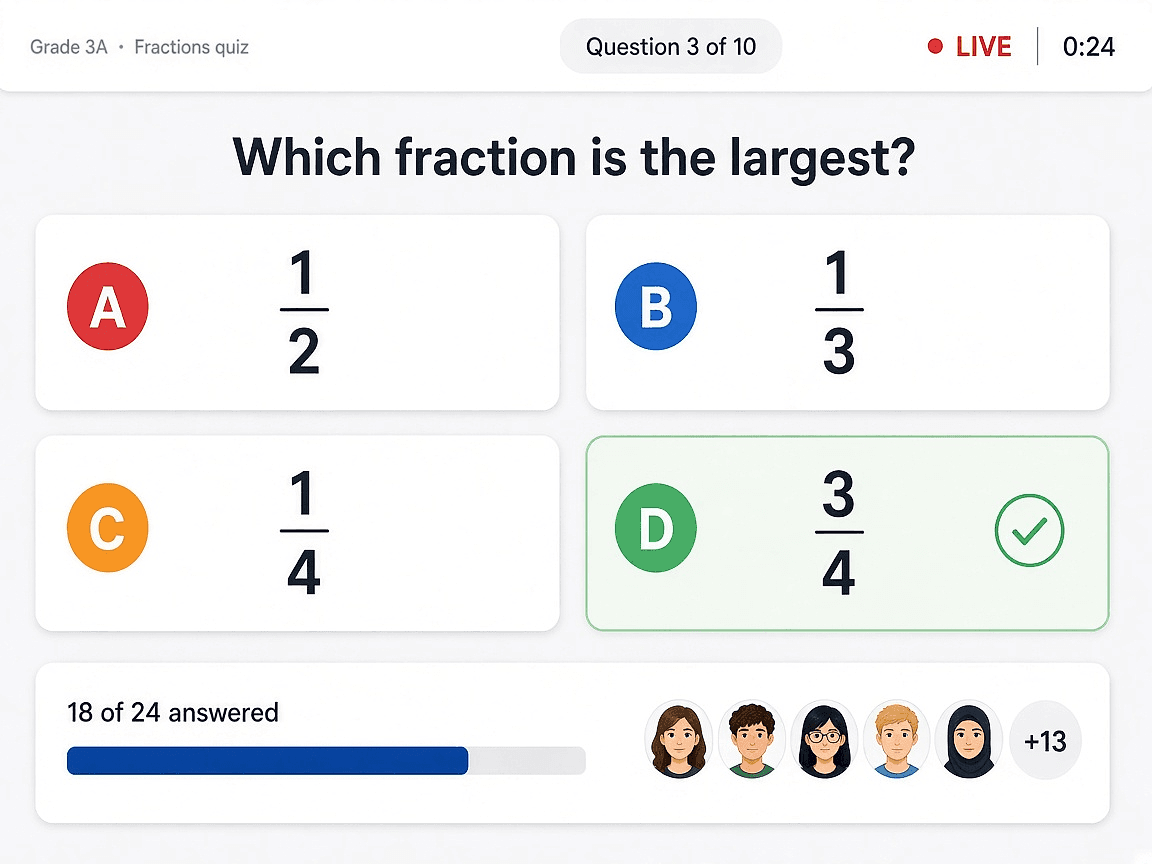
- Ask about understanding, not only facts. "Which of these fractions is the largest?" teaches more than "What is a numerator?".
- Make every wrong answer plausible. Each option should be an answer a real pupil might give, ideally linked to a specific mistake.
- One idea per question. If a pupil gets it wrong, you should know why.
- Aim for questions some pupils will get wrong. If everyone is always right, the question tells you nothing.
- Use pictures and colours for younger children so the question does not depend on reading.
For more techniques that work with or without technology, see 12 quick ways to check for understanding.
Frequently asked questions
Do pupils need phones or tablets?
Not with a card-based system. Each pupil holds up a printed card and the teacher scans the class with one phone or tablet. Device-based apps do need one device per pupil.
Is a student response system suitable for kindergarten?
Yes, if the questions use pictures or colours instead of text and the answering method is simple. Holding up a card or a number of fingers works well from about age 4.
How often should I use it?
Short and often works better than long and rare. Three to five questions in most lessons, at the start, at the hinge point and at the end, is a good rhythm.
Sources
- Hunsu, N. J., Adesope, O. and Bayly, D. J. (2016). A meta-analysis of the effects of audience response systems (clicker-based technologies) on cognition and affect. Computers & Education, 94, 102–119.
- Roediger, H. L. and Karpicke, J. D. (2006). Test-Enhanced Learning: Taking Memory Tests Improves Long-Term Retention. Psychological Science, 17(3).
- Education Endowment Foundation. Feedback, Teaching and Learning Toolkit.
- World Health Organization (2019). Guidelines on physical activity, sedentary behaviour and sleep for children under 5 years of age.
- Rosenshine, B. (2012). Principles of Instruction: Research-Based Strategies That All Teachers Should Know. American Educator, 36(1).
Written by
Ivailo Ivanov, Teacher
Ivailo Ivanov is a teacher who writes about classroom practice, formative assessment and tracking children's learning progress.
Keep reading

Formative assessment
Formative Assessment: 12 Quick Ways to Check for Understanding in Any Lesson
12 practical formative assessment techniques to check every student's understanding in minutes, with age ranges, timings and device-free ideas.

Child development
How to Track Children's Learning Progress and Personal Development (Ages 3–12)
A practical guide for teachers and parents: what to observe in children aged 3–12, simple ways to record progress, spotting patterns and when to get help.